The Invisible Build: Why Firmware Is the Most Personal Layer of a Custom Keyboard
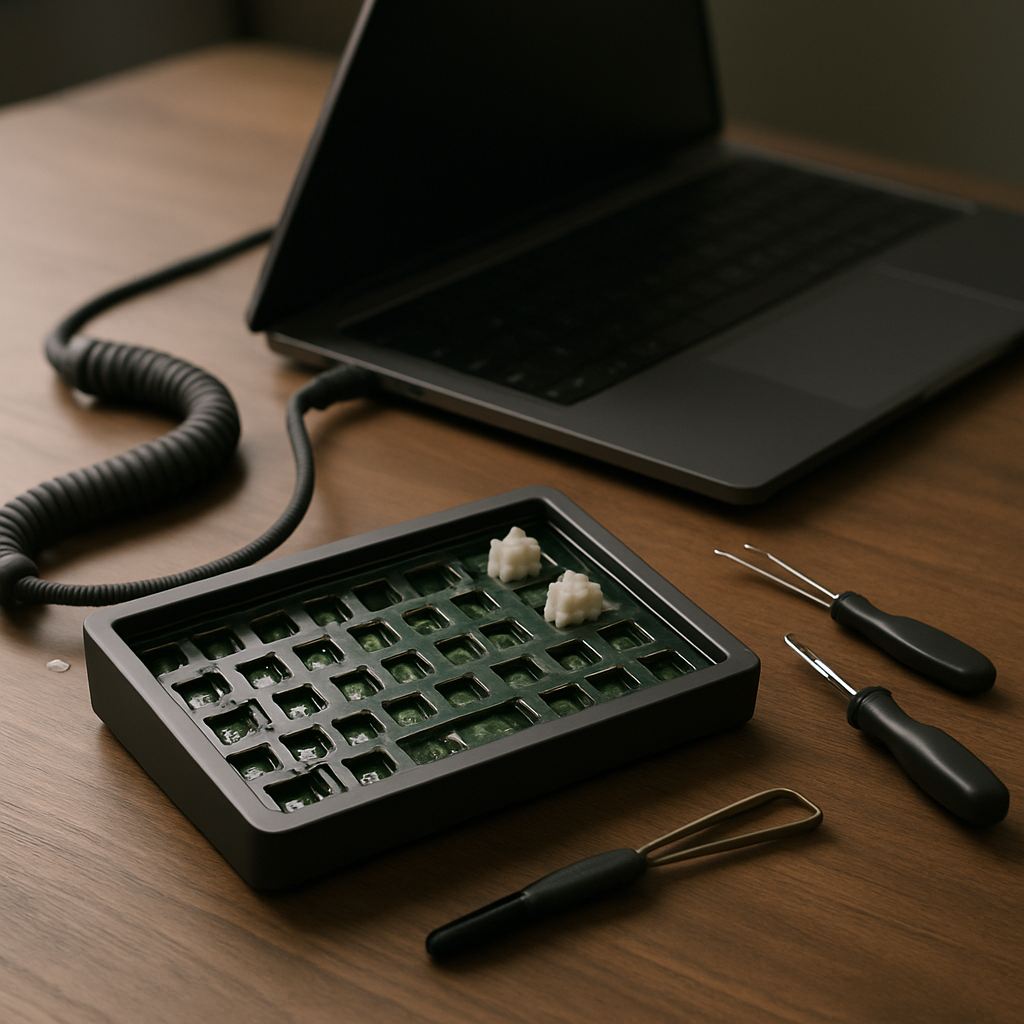
Every showcase photo of a custom keyboard lies a little. It shows you the anodised case, the carefully chosen keycaps, the coiled cable colour-matched to the desk mat. What it cannot show is the layer where a serious builder often invests the most thought: the firmware. The keymap, the layers, the tap-dances and macros — the invisible logic that decides what actually happens when a key goes down. In the age of QMK and VIA, firmware has quietly become a craft discipline of its own.
From Fixed Function to Open Canvas
For most of keyboard history, the mapping between keys and characters was welded shut at the factory. The open-source firmware movement changed that permanently. QMK — Quantum Mechanical Keyboard firmware — grew out of earlier community projects into the de facto standard powering thousands of custom and enthusiast boards. Alongside it, tools like VIA and Vial added graphical interfaces, so remapping a key no longer requires compiling code; you drag, you drop, and the board updates instantly.
The consequence is philosophical as much as technical. On an open-firmware board, the layout is no longer a fact about the keyboard. It is a draft, permanently open to revision. The keyboard becomes software you happen to be able to touch.
Layers: The Feature That Changes Everything
The gateway concept is the layer. Just as Shift turns "a" into "A", a layer key can turn your entire board into something else — arrows under the home row, a number pad under your right hand, media controls along the top. Hold a thumb key and the keyboard transforms; release it and everything snaps back.
Builders typically start with one timid layer and end up, months later, with a small architecture: a symbols layer arranged by frequency, a navigation layer that makes Home and End reachable without looking, a function layer for the keys they deleted when they downsized the board. Designing this system — deciding what deserves prime real estate under your strongest fingers — is genuine interface design, done for an audience of one.
Tap-Dance, Home Row Mods and Other Dark Arts
Past layers, the rabbit hole deepens delightfully. Mod-tap keys do double duty: tap for a letter, hold for a modifier. The famous "home row mods" configuration turns A, S, D and F into Shift, Ctrl, Alt and GUI when held — putting every modifier under your resting fingertips, at the cost of a tuning period while you calibrate timing thresholds. Tap-dance keys respond differently to one tap, two taps, or a tap-and-hold, packing three functions into one switch.
Then come macros: whole sequences bound to a single key — email signatures, code snippets, the git commands you type forty times a day. Leader keys borrow from Vim, letting you type short mnemonic sequences to trigger commands. Combos fire actions when two keys are pressed together. None of this is necessary. All of it is habit-forming.
The Keymap as Autobiography
Spend time in keyboard forums and you will notice that experienced users share keymaps the way woodworkers share jigs — proudly, with commentary, expecting nobody to copy them exactly. A mature keymap is unmistakably personal. It encodes your language, your profession, your shortcuts, even your injuries; plenty of layouts exist specifically to move load off a bad pinky.
This is why firmware deserves to be called craft. Like any craft object, a good keymap is shaped by iteration against real use. You notice a friction point on Tuesday, adjust the layout on Wednesday, and live with the consequences until the design settles. Over a year, dozens of these micro-decisions accumulate into something no one else could have made, because no one else works the way you do.
Getting Started Without Getting Lost
The practical on-ramp is gentler than it looks. If your board supports VIA or Vial, start there: open the app, remap a key you never liked, and feel the permanence of factory layouts dissolve. Add one layer with arrows under your home row. Live with it for two weeks before adding anything else — the classic beginner mistake is building a cathedral of layers no muscle memory can inhabit.
Keep a copy of your keymap backed up, change one thing at a time, and steal ideas shamelessly from shared configurations. Somewhere along the way you will realise the truth every firmware tinkerer eventually reaches: the switches and keycaps made the keyboard yours to touch, but the firmware made it yours to think with. The prettiest layer of a custom build turns out to be the one nobody can see.